WooCommerce SEO Case Study: How Traffic Doubled

This is a real WooCommerce SEO case study: a small online shop selling handmade homeware, a catalogue of roughly 300 products and organic traffic that had been flat for more than a year. Below you’ll find the changes in the order they were made, what worked, what didn’t and what you can copy on your own store without hiring an agency.
A quick note on the numbers. We don’t publish the store’s Google Search Console data, because it’s private. The figures in the table are therefore illustrative: they show you how to read a before-and-after comparison and which metrics move first. The order of the work and the lessons learned are the useful part.
The starting point: a well-built store nobody could find
The site looked good: a modern theme, professional photos, a fast checkout. On Google, though, almost all the traffic came from people searching for the brand name. Category pages and product pages didn’t show up on the first pages for generic searches, which are exactly the searches new customers make.
The first check in Google Search Console revealed four problems that are very common on WooCommerce stores:
- Manufacturer descriptions copied and pasted on most product pages, identical to the ones used by other retailers.
- Tag and filter pages indexed: hundreds of near-empty URLs competing with the category pages.
- Auto-generated title tags in the format “Product name – Store name”, with no material, use or product type.
- Categories with no copy: just a product grid, nothing telling Google what the page was actually about.
WooCommerce SEO case study: the work, month by month
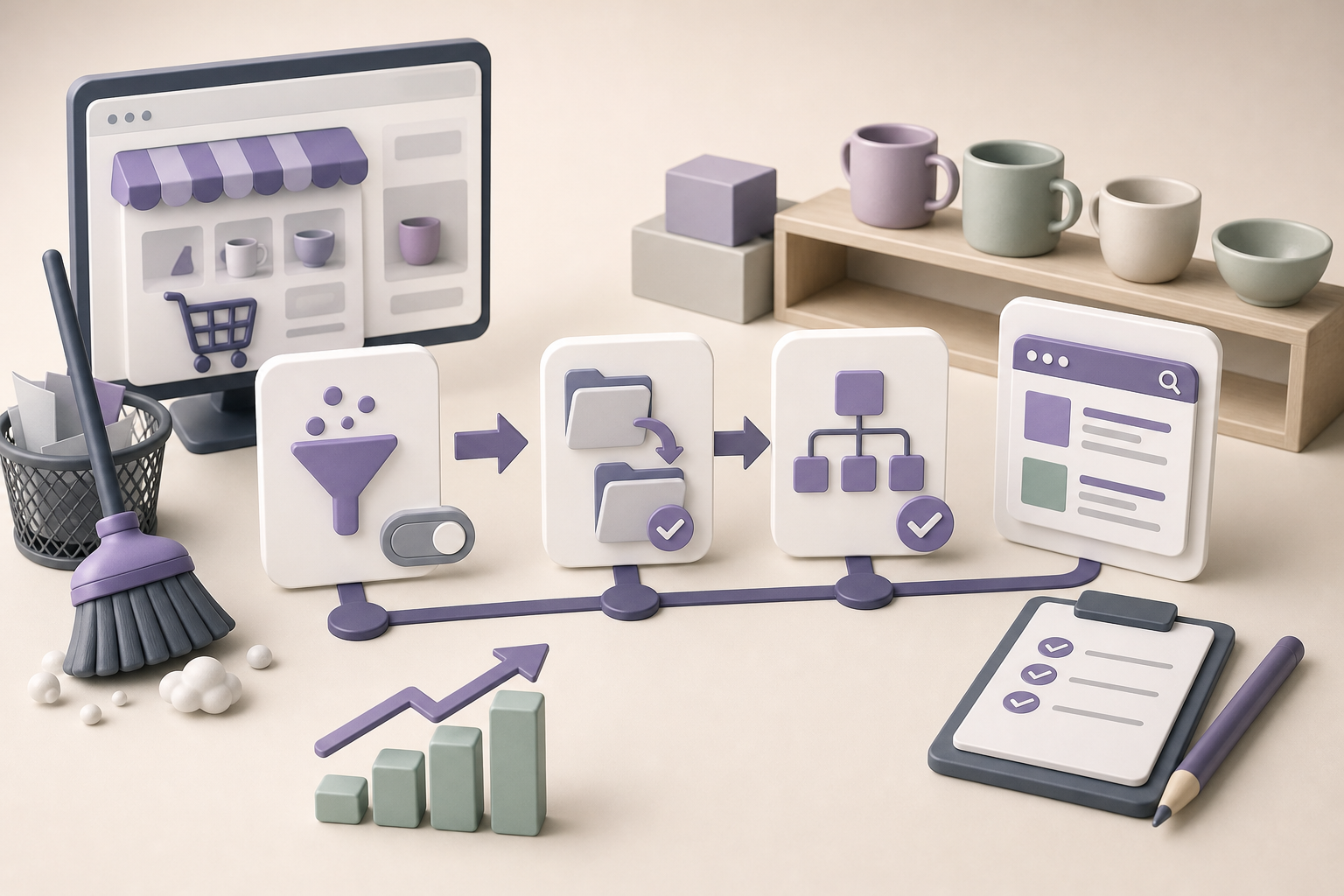
The project took about six months, with a few hours a week. Order matters here: first you remove the noise, then you improve what’s left.
Month 1: cleaning up the index
Tag pages and filter parameters were set to noindex using the SEO plugin that was already installed. Duplicate categories (“Mugs” and “Ceramic Mugs”, with almost the same products) were merged, with 301 redirects from the old URL to the new one. The sitemap was then resubmitted in Search Console.
Month 2: category titles and meta descriptions
Ten main categories were picked by looking at Search Console queries with lots of impressions and few clicks. Each title was rewritten by hand around the real search term: from “Mugs – Store” to “Handmade Ceramic Mugs | Store”. Meta descriptions became specific: shipping, materials, number of designs.
Month 3: category page copy
Each main category got 150–250 words: a short paragraph above the grid and a section below it answering typical questions (“Are they dishwasher safe?”, “How do I choose the right size?”). No keyword-stuffed walls of text: just the answers a good sales assistant would give in a shop.
Months 3–4: the 40 most important product pages
Rewriting 300 descriptions at once wasn’t realistic. The team chose the 40 product pages with the most sales or the most impressions and rewrote them using a fixed template: who the product is for, dimensions and materials, care and cleaning, and how it differs from similar items. Images were compressed and given descriptive alt text.
Months 4–6: a blog of buying guides
Two posts a month, each tied to a category: guides such as “How to choose a dinner set for six” or “Ceramic vs stoneware: what’s the difference for everyday use?”. Every guide linked internally to the category and to two or three specific products.
What didn’t work
This part is often more useful than the wins.
- Generic home décor articles. Two posts along the lines of “kitchen decorating ideas” brought in some visits, but no sales and hardly any clicks through to products. The search intent was too far from buying.
- Changing slugs without redirects. A few product URLs were shortened without setting up a 301: for a few weeks those pages lost rankings and triggered 404 errors in Search Console. Once the redirects were added, things recovered.
- Optimising low-selling products. Time spent on niche products paid off far less than time spent on categories. Start where there’s already demand.
Before and after results: how to read them
Here’s a sample comparison between the three months before the work and the final three months. The values are indicative and meant to show the pattern, not to promise a result.
| Metric (Search Console) | Before | After |
|---|---|---|
| Organic clicks per month | around 1,000 | around 2,000 |
| Impressions per month | around 40,000 | around 75,000 |
| Non-brand queries with clicks | a few dozen | a few hundred |
| Indexed pages | inflated by tags and filters | fewer and more relevant |
Three things to notice. Indexed pages go down, and that’s a good sign: Google sees fewer useless pages. Impressions grow first; clicks follow later, once rankings climb high enough. And almost all the growth comes from non-brand searches, meaning new customers.
To compare periods properly in Search Console, filter queries to exclude your store name and, if your market is seasonal, compare the same months year over year.
What to copy on your own WooCommerce store
- Take stock in Search Console: indexed pages, queries with high impressions and few clicks, 404 errors.
- Remove the noise: noindex tags and filters, merge duplicate categories with 301 redirects.
- Rewrite the titles of your top 10 categories based on real queries.
- Add useful copy to categories: a few lines above the grid, FAQs below.
- Rewrite the product pages that already sell, not all of them: start with your top 20–40.
- Publish buying guides linked to your categories, with internal links to specific products.
- Measure every month with the same filter, and note down what you changed and when.
The bottleneck usually isn’t knowing what to do: it’s finding the time to write category copy and guides every month. That’s where AutoPub can help: it drafts SEO articles in English from your keywords and auto-posts them to WordPress on the schedule you set. You review them, add the details only you know and link the products. If you’d like to try it with buying guides for your own store, start with the free trial.
Frequently asked questions
How long does WooCommerce SEO take to show results?
It depends on your competition and on the state of the site when you start. Impressions typically begin to move a few weeks after the changes, while steady growth in clicks often takes a few months of consistent work.
Should I noindex WooCommerce tag pages?
For most small stores, yes: tag pages are nearly empty and compete with your categories. The exception is a curated tag with its own copy and genuine search demand behind it.
Can I use the manufacturer’s product descriptions?
You can, but they’re identical to other retailers’ and rarely help you stand out on Google. At least rewrite your best-selling product pages, adding details on use, dimensions and care.
Does an online store really need a blog?
It does if you publish guides close to the buying decision, linked internally to categories and products. Generic inspiration posts bring visits but rarely sales.
Which metric shows whether SEO is working?
In Google Search Console, look at clicks on non-brand queries by filtering out your store name. They show how many new customers find you on Google, while total clicks can be inflated by people who already know you.