Blog Content Calendar Template: Build It in 30 Minutes

A blog content calendar template doesn’t need to be a twenty-page document that nobody ever opens again. For a small business, a clear spreadsheet that answers four questions is enough: why am I writing, what am I writing about, how often, and when. In this guide you’ll build one in 30 minutes, split into four blocks: 5 minutes for the goal, 10 for topics, 10 for frequency and formats, and 5 for dates.
To keep things concrete, we’ll follow one example: Emma, who runs a small WooCommerce store selling loose-leaf tea and herbal blends. Swap her situation for yours as you go.
What you need before you start the timer
Thirty minutes disappear fast if you stop to hunt for files and passwords. Get these ready first:
- a blank spreadsheet (Google Sheets is fine) with the columns Date, Title, Keyword, Format, Goal, Status;
- access to Google Search Console, if your site has been live for a few months;
- a keyword tool, even a free one, or simply Google and its search suggestions;
- a quick list of the questions customers ask you by email, on the phone or in person.
Done? Start the clock.
Step 1 (minutes 0–5): the goal of your blog content calendar
Write one line describing what the blog should achieve over the next three months. Not “build the brand”, but a result you can actually check. A few examples:
- drive organic traffic to your most profitable product categories;
- generate quote requests through your contact form;
- cut down on repetitive questions to customer support.
Emma picks: “Bring Google traffic to the green tea category and the gift sets page.” That sentence becomes the filter for everything else: any topic that doesn’t serve it stays off the list for now.
Add your typical reader in half a line, too. For Emma: “someone new to tea who wants to figure out what to buy.” This will guide your tone and how much detail to include.
Step 2 (minutes 5–15): build your topic list from keywords
This is the heart of the plan, and a good exercise in keyword research for beginners. In ten minutes, aim for 15–20 rough ideas; you’ll keep about half.
Start from three sources
- Search Console: in the Performance report, look at queries where your site already appears but gets few clicks. Google already associates these topics with you, and a dedicated post can strengthen that. If you’re new to the tool, any Google Search Console for beginners guide will walk you through this report in a few minutes.
- Google suggestions: type your main keyword and note the autocomplete suggestions and the “People also ask” box.
- Customer questions: every frequently asked question is a potential headline.
Turn keywords into titles
A keyword isn’t a blog post yet. Rewrite it as the answer to a specific need. Here’s how Emma does it:
- “how to brew green tea” → How to Brew Green Tea Without Making It Bitter;
- “green tea vs black tea” → Green Tea vs Black Tea: Taste, Caffeine and Brewing Differences;
- “gifts for tea lovers” → Gifts for Tea Lovers: 7 Ideas for Every Budget.
Drop ideas that are too broad (“the history of tea”) or too far from your goal. Keep the ones that lead naturally to a page on your site. And avoid writing two posts targeting the same keyword: they would compete with each other in search results.
Step 3 (minutes 15–25): frequency and formats
The most common question is how many posts to publish. There’s no magic number that works for everyone; consistency matters more. One useful post every two weeks, kept up for a year, beats ten posts in January followed by silence.
Pick a frequency you can keep up in your busiest months
Be honest about it: how many hours a week can you really spend on the blog? A well-crafted post, including research, writing, editing and publishing, can easily take a few hours. If you have two hours a week, two posts a month is realistic; four is not.
Emma works alone, and November and December are her busiest months for orders. She settles on two posts a month and writes her holiday posts ahead of time.
Rotate a few formats
Two or three formats are enough. For a small business, these work well:
- in-depth guide (1,500–2,500 words): fully answers an important search;
- short tutorial with numbered steps: solves a practical problem;
- comparison or roundup: helps people close to buying make a choice.
Assign a format to every title on your list. If a title could fit more than one, choose the format that best serves your goal from Step 1.
Step 4 (minutes 25–30): assign the dates
Final five minutes. Sort your titles by priority and put them on the calendar using three criteria:
- Seasonality: publish seasonal posts a few weeks before the peak, so Google has time to discover and index them.
- Closeness to your goal: put the posts that lead straight to the pages you want to push at the top.
- Variety: avoid two long guides back to back if you know they take you more time.
Pick a fixed publishing day as well, for example the first and third Tuesday of the month. A simple rule saves you a decision every time. Time’s up: you have your plan.
Example: Emma’s three-month plan
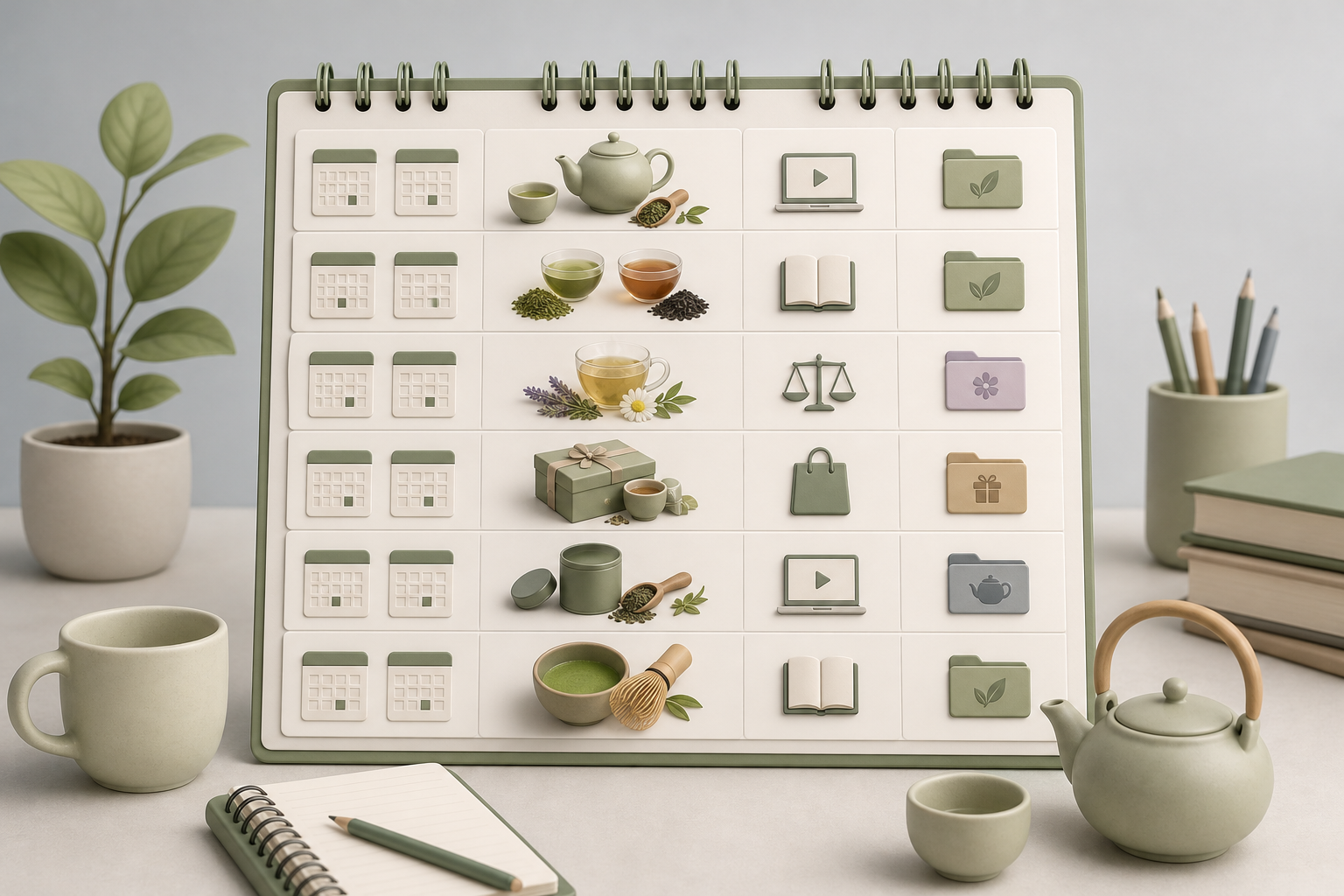
Here’s what the finished result looks like. Notice how short it is: six rows are enough to get started.
| Date | Title | Format | Linked page |
|---|---|---|---|
| 1st Tuesday of September | How to Brew Green Tea Without Making It Bitter | Tutorial | Green tea category |
| 3rd Tuesday of September | Green Tea vs Black Tea: Differences and When to Choose Each | Guide | Green tea category |
| 1st Tuesday of October | Evening Herbal Teas: How to Choose the Right One | Comparison | Herbal tea category |
| 3rd Tuesday of October | Gifts for Tea Lovers: 7 Ideas for Every Budget | Roundup | Gift sets |
| 1st Tuesday of November | How to Store Loose-Leaf Tea at Home | Tutorial | Accessories |
| 3rd Tuesday of November | A Beginner’s Guide to Matcha | Guide | Green tea category |
How to stick to the plan in the months ahead
A plan almost always fails during execution, not design. Three habits help:
- A 10-minute monthly review: check in Search Console which posts are starting to earn impressions and add related topics to your list.
- A “Status” column (idea, draft, editing, published): you’ll see at a glance where you’re stuck.
- A safety buffer: always keep at least one post ready in advance for the weeks when work takes over.
If writing is the bottleneck, you can hand off the most repetitive part. With AutoPub, an AI content writer for WordPress, you enter the approved keywords and titles from your plan: the tool drafts SEO-structured posts and auto-posts them to WordPress on the dates you’ve chosen. You stay focused on what matters most: reviewing the content and adding your own experience and examples. If you’d like to test it on the plan you’ve just built, you can start with the free trial.
Frequently asked questions
What’s the difference between a content plan and a content calendar?
A content plan defines your goal, audience, topics and formats: it’s the strategy. A content calendar puts that strategy into practice with the specific dates when each piece goes live.
How many blog posts should a small business publish per month?
It depends on your available time and how competitive your niche is. For a small business, two well-crafted posts a month, published consistently, is a solid starting point: a few regular posts beat a burst followed by nothing.
How far ahead should I plan my blog content?
Three months is a good balance: long enough to see early signals in Google Search Console, short enough to change course without throwing away work you’ve already done.
Can I build a blog content calendar without paid SEO tools?
Yes. Google Search Console, Google’s autocomplete suggestions, the People also ask box and your customers’ questions are enough to build a solid topic list.
What should I do if I miss a date on my content calendar?
Publish the post as soon as you can and push the next one back, rather than trying to catch up all at once. To avoid it, always keep at least one post ready in advance.