WooCommerce SEO: 9 Product Page Fixes That Work

Your WooCommerce store has 80 products, yet almost all of your Google traffic lands on the homepage? The culprit usually isn’t your theme or your hosting. It’s product pages left exactly as WooCommerce created them. Good WooCommerce SEO is won on those pages, one listing at a time. This guide walks through 9 concrete fixes. Each comes with a before/after example on a made-up product: the Blue Ceramic Mug from the fictional shop Kiln Street Pottery.
Why WooCommerce SEO starts on your product pages
Product pages are the ones that catch searches closest to a purchase. Someone typing “handmade ceramic mug 12 oz” already knows what they want. All they need is a store.
Out of the box, WooCommerce doesn’t do much to help:
- it uses the product name as the title tag;
- it builds the slug from the name, often with codes and numbers attached;
- it leaves the meta description and image alt text empty.
SEO plugins such as Yoast, Rank Math or All in One SEO give you the right fields, but they won’t fill them in for you. Here’s what to put in them.
1. Title tags with the attributes people search for
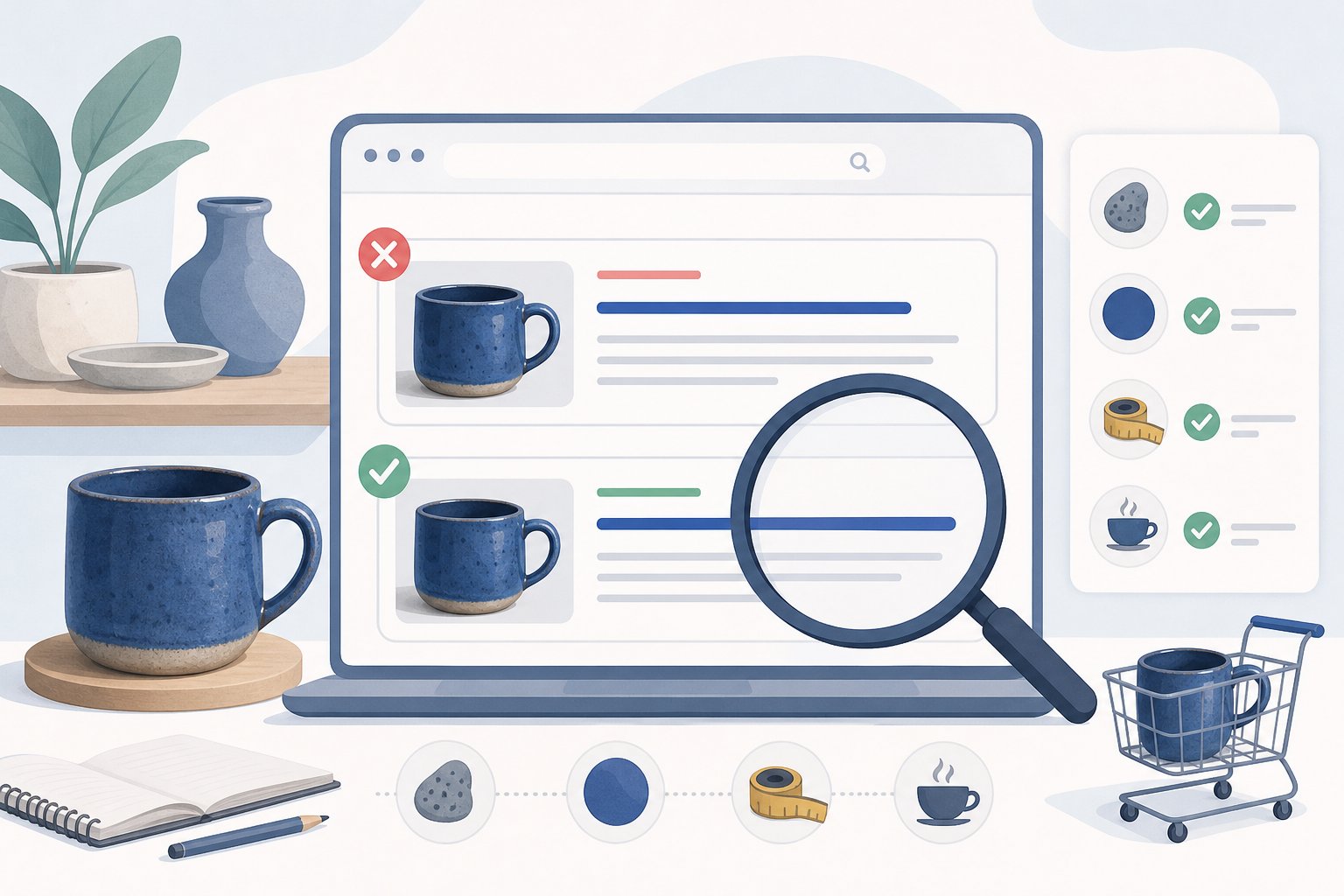
The title tag is the blue headline shown in Google’s results. It should include whatever sets the product apart: material, color, size, use.
Before: Mug TZ-0042 – Kiln Street Pottery
After: Handmade Blue Ceramic Mug 12 oz | Kiln Street Pottery
Aim for roughly 60 characters and put the most-searched attributes first. Nobody searches for your internal SKU, except perhaps for spare parts. The product name shown on the page can stay shorter: the SEO title is set separately, in your plugin’s field.
2. Meta descriptions that answer buyers’ doubts
Leave it blank and Google grabs a random chunk of the page. Often that’s the box with the SKU and category.
Before: “SKU: TZ-0042 Category: Mugs Tag: blue”
After: “Handmade blue glazed stoneware mug, 12 oz (350 ml), dishwasher and microwave safe. Ships in 2 business days, free returns within 14 days.”
Google sometimes rewrites descriptions. Still, a well-written one is used often and makes it more likely that searchers click your result rather than a competitor’s. Include the details that reassure: shipping, returns, practical features.
3. Clean, stable slugs
The slug is the last part of the URL. It should be short, readable and free of leftovers from your product import.
Before: /product/tz-0042-blue-mug-new-2/
After: /product/blue-ceramic-mug-12-oz/
On a brand-new product you can change it freely. On a page that’s already indexed or linked to, you need a 301 redirect from the old address to the new one. Some SEO plugins create it automatically; otherwise use the Redirection plugin. The same goes for the “/product/” base under Settings › Permalinks: on an established store, leave it alone.
4. Unique descriptions instead of the supplier’s copy
This is the most time-consuming fix, and often the one that pays off most. If you paste the supplier’s text, your page is identical to dozens of other stores. Google has no reason to prefer yours.
Before: “Elegant high-quality mug, perfect for any occasion. Modern, refined design.”
After: copy that answers the questions real buyers ask:
- What it’s for: tea and herbal infusions in a big mug; 12 oz fills a proper mug without topping up.
- How it’s made: hand-thrown stoneware with a cobalt blue glaze. Every piece has slight color variations.
- Dimensions: height 10 cm (about 4 in), diameter 8.5 cm (about 3.3 in), weight 380 g (about 13 oz).
- Care: dishwasher safe; avoid sudden temperature changes, like going straight from the freezer to boiling water.
You don’t need an essay: 150–300 genuinely specific words beat 800 generic ones. Start with your best sellers.
5. A short description built for the buying decision
The short description sits next to the price, right where the customer decides. Don’t repeat the long copy: sum up three reasons to buy.
Before: empty, or the first line of the supplier’s text.
After:
- Handmade, one of a kind
- 12 oz, dishwasher and microwave safe
- Ships in 2 business days in protective packaging
6. Image file names and alt text
Images can bring in traffic from Google Images. Alt text also helps shoppers who use a screen reader.
Before: file IMG_4521.jpg, empty alt.
After: file blue-ceramic-mug-12oz-side.jpg, alt “Blue 12 oz ceramic mug seen from the side with a ring handle”.
Describe what’s actually in the photo, without forcing the keyword into every image. For the gallery: “top view”, “close-up of the glaze”, “mug held in hand to show its size”. Compress your files and favor WebP: slow product pages mean shoppers who leave.
7. Complete structured data
Structured data tells Google the price, availability and reviews. That way your result can show star ratings and price under the title. WooCommerce generates some of it on its own, while SEO plugins can add brand, GTIN or shipping details.
Before: no brand, no reviews, empty GTIN field.
After: brand filled in, GTIN where one exists, at least a few verified reviews.
Check the page with Google’s Rich Results Test. Keep in mind that filling in everything doesn’t guarantee Google will display rich results.
8. Variations without duplicate pages
A common mistake is creating a separate product for each color, with the same text copied five times.
Before: five listings, “Blue Mug”, “Green Mug”, “White Mug”… identical except for one word.
After: a single variable product with a color attribute, which concentrates reviews and links on one page.
The exception is a variation with its own search demand, say “sage green mug”. Then a dedicated page makes sense, as long as it has genuinely different copy and photos.
9. Internal links to your product pages
A product page reachable only from the shop menu gets little attention, from customers and from Google alike.
Before: the mug is linked only from the “Mugs” category.
After: the page gets links from several places:
- the blog post “How to Choose a Mug for Tea”, with an in-text link;
- the matching teapot’s page, as a related product (cross-sell);
- the breadcrumb trail, enabled in your SEO plugin.
Use descriptive anchor text such as “blue 12 oz ceramic mug”, not “click here”.
Where to start if you have hundreds of products
You don’t have to fix everything in one weekend. Work in this order:
- Open Google Search Console › Performance and filter for pages containing “/product/”.
- Look for pages with plenty of impressions and a low CTR: that’s where titles and meta descriptions pay off fastest.
- Rewrite the descriptions of your 20 best-selling products.
- Clean up images and slugs as you add new products.
After 6–8 weeks, compare clicks and average position with the previous period. That’s about how long it takes to tell whether you’re heading in the right direction.
Product pages alone aren’t enough, though: you also need blog posts that attract informational traffic and send it on to your products. If you don’t have time to write them, AutoPub works as an AI blog writer that generates SEO-optimized articles on your industry’s keywords and auto posts them to WordPress. You just review them and add links to the right product pages. You can try it free and see whether it fits your store.
Frequently asked questions
Which SEO plugin works best with WooCommerce?
Yoast SEO, Rank Math and All in One SEO all work well with WooCommerce. Each has product-specific features, some only in the paid versions. Pick just one: running two SEO plugins at once causes conflicts over title tags and structured data.
Can I use the supplier’s product descriptions?
Use them as a source for technical specs, but don’t publish them word for word. The same text appears on many other sites, so your page has nothing to set it apart. Rewrite them, starting with your best sellers.
What should I do with out-of-stock products?
If they’ll be back, keep the page live marked as out of stock and, if you can, add an expected restock date. If they’re permanently discontinued, set up a 301 redirect to the replacement product or the closest category.
Will changing a product slug hurt my rankings?
You may see a dip for a few days, but with a 301 redirect from the old URL to the new one it usually recovers. Without a redirect, you lose the links and traffic that were reaching the old address.
How long should a product description be?
There’s no official minimum length. For most products, 150–300 specific words about use, dimensions, materials and care are enough. Answering real buyers’ questions matters more than filling the page.