How to Write Meta Descriptions That Get More Clicks

You can rank on page one and still get very few clicks. Often the culprit is the two lines under your title in Google’s results. This guide shows you how to write meta descriptions that make searchers pick your result over the one next to it. It is one of the quickest wins in SEO for small business websites. You’ll find before/after examples for three types of page, plus what to do when Google ignores your text and shows something else.
What a meta description is and why it earns you clicks
A meta description is a short summary of a page. Google may show it as the snippet under the blue title link. Google has said several times that it is not a direct ranking factor. But it affects something just as real: the share of people who click your result instead of a competitor’s. If you’re wondering how to increase organic traffic without climbing a single position, this is where to start.
Think of it as a shop window on a busy high street. The title tells people what you sell. The description tells them why they should walk into your shop rather than the one next door.
Two practical points to keep in mind:
- Length: Google truncates snippets based on pixel width, not character count. As a safe guide, aim for roughly 120 to 155 characters and put the important information first.
- Uniqueness: every page needs its own. Duplicate or generic descriptions are among the first ones Google tends to replace.
How to write meta descriptions in 5 steps
Here’s a sequence you can apply to any page in a couple of minutes:
- Start with search intent. Ask what the person typing that keyword wants: a quote, a product, an answer. Your description should promise exactly that.
- Include the main keyword naturally. When it matches the query, Google often highlights it in bold in the snippet, and that’s where the eye lands.
- Add one concrete detail. An area you cover, a delivery time, the number of steps, a starting price if it’s real and up to date. Specifics beat adjectives every time.
- Stand out from the competition. Search your keyword and read the snippets already ranking. If they all say “ultimate guide”, go for something different, such as ready-to-use examples or a real case.
- Finish with a soft call to action. “Book a free survey”, “See available sizes”, “Grab the checklist”. Skip the strings of exclamation marks and the promises you can’t keep.
Before/after examples for services, e-commerce and blog posts
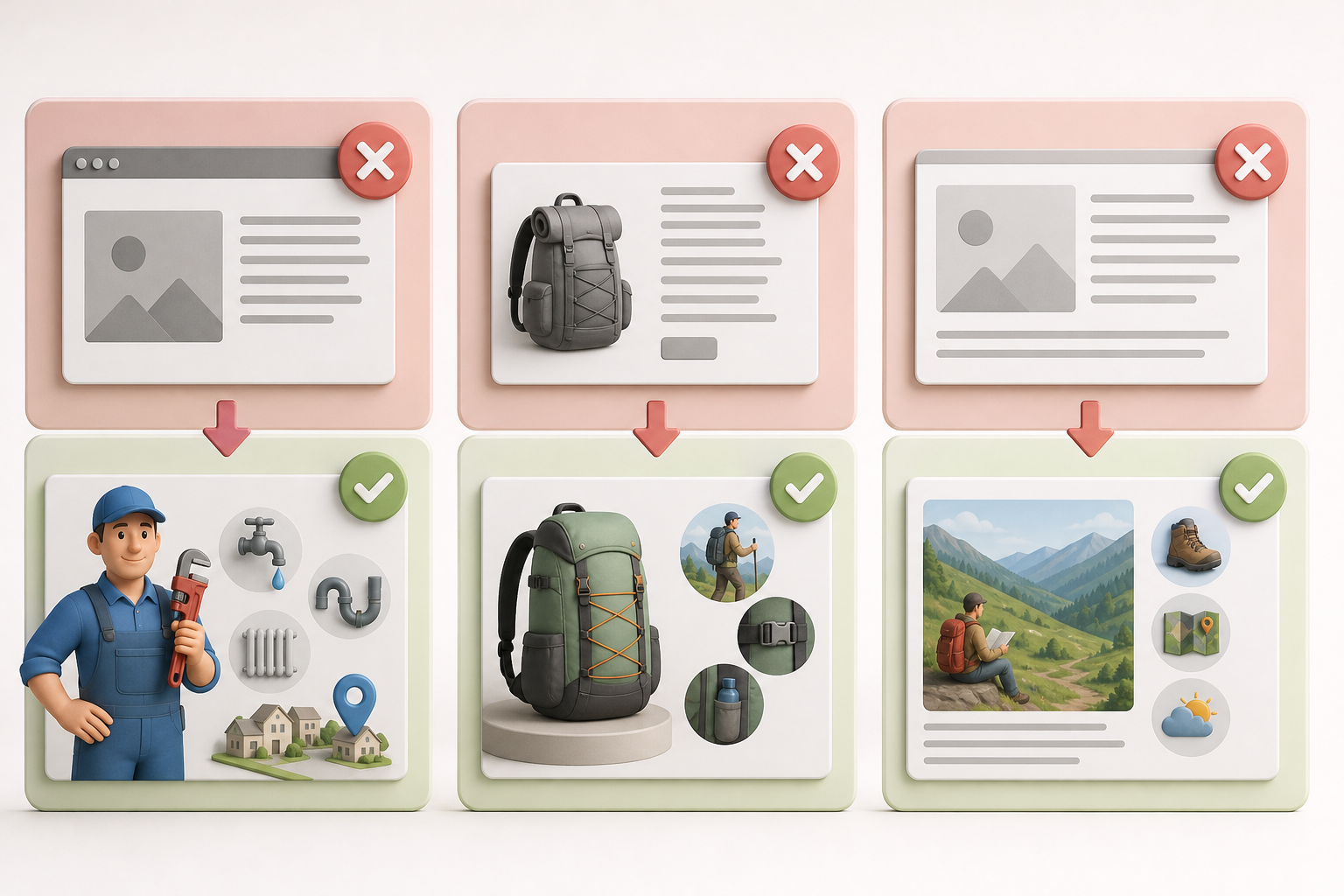
Here are three typical small business cases. The “before” is the kind of text you often find on WordPress sites left on default settings.
Local service page
Keyword: emergency plumber Leeds.
Before: Welcome to Smith Plumbing, a leading company in the plumbing sector with years of experience and professionalism.
After: Emergency plumber in Leeds and surrounding areas: leaks, blocked drains, boiler faults. Weekend call-outs, fixed quote before we start.
The “before” talks about the business. The “after” talks about the searcher’s problem, names the area and answers a common worry: how much it’s going to cost.
WooCommerce product page
Keyword: 30 litre hiking backpack.
Before: Trek30 Backpack. Buy our high-quality backpack now at the best prices online.
After: 30 litre hiking backpack with ventilated back panel and rain cover included. 1.1 kg, side pockets for water bottles. Dispatched within 24 hours.
For WooCommerce SEO, specs are your strongest selling point. Weight, capacity and included extras help people choose straight from the results page. Only use accurate, current details: if your delivery times change, update the description too.
Informational blog post
Keyword: how to prune an apple tree.
Before: In this article we will talk about pruning apple trees, a very important topic for all gardening enthusiasts.
After: How to prune an apple tree in 6 steps: the right time of year, the tools you need and which branches to cut. Plus the mistakes that shrink your harvest.
For informational content, promise a clear structure and address the reader’s worries. “In this article we will talk about” burns valuable space and says nothing.
When Google rewrites your meta description (and what to do)
It happens a lot: you write a careful description and Google shows a different part of the page instead. Some industry studies suggest this happens in a significant share of cases. It isn’t a bug: Google picks whatever text it thinks best fits each individual search. The most common reasons are:
- The query differs from your keyword. If someone searches “prune apple tree in February”, Google may pull the paragraph that mentions February.
- The description is generic or duplicated. Identical text across several pages, or text full of slogans, gets dropped easily.
- The description is too short or too long. Five words isn’t enough, and a whole paragraph gets cut or replaced.
- Keyword stuffing. A comma-separated list of keywords is a classic low-quality signal.
What you can actually do:
- Accept rewrites on secondary queries. On long-tail searches Google often does a decent job. Focus on your main keyword.
- Polish the page’s opening paragraph. It’s one of Google’s favourite sources for snippets. If it’s clear and includes the keyword, any rewrite will be good too.
- Make the description match the content. If you promise something the page doesn’t deliver, Google tends to ignore it.
- Check Google Search Console. If you’re new to it, this is the most useful tip in any Google Search Console for beginners guide: in the Performance report, filter for pages with lots of impressions and a low CTR. Those are your first candidates for a new description. Note the date you made the change and compare CTR after a few weeks.
There’s also the nosnippet attribute, which stops Google from showing a snippet at all. For a small business it’s almost never worth it: you’d be giving up the very space you want to use.
Where to add it in WordPress (WordPress SEO without the busywork)
WordPress doesn’t have a dedicated field out of the box. A WordPress SEO plugin adds one. In Yoast SEO, Rank Math and All in One SEO you’ll find the field in the page editor, with a snippet preview and a length indicator. In WooCommerce it works the same way for every product.
The real problem is consistency. With ten pages, it’s an afternoon’s work. With two hundred products and a weekly blog, the description becomes the field everyone skips. The plugin then generates text automatically from the first few lines, and it’s rarely convincing.
This is where automation saves you hours. AutoPub is an AI content writer for WordPress: it writes articles and can auto post to WordPress with the title, slug and meta description already set using the rules above: keyword near the start, controlled length, a clear reason to click. You review and approve, instead of starting from a blank field every time.
Checklist before you hit publish
- Is the description unique to this page?
- Does it include the main keyword in the first half?
- Is it roughly 120 to 155 characters?
- Does it mention a concrete detail your competitors don’t?
- Does it only promise what the page actually delivers?
- Does it end with a clear call to action?
Pick the five pages with the most impressions in Search Console and rewrite their descriptions using this checklist. It’s one of the fastest SEO fixes you can make. And if you’d like your next articles to arrive already optimised, try AutoPub free on your WordPress site.
Frequently asked questions
Does the meta description affect Google rankings?
Not directly: Google has said it doesn’t use it as a ranking factor. It does affect click-through rate, though, because it’s often the text that persuades people to choose your result.
How many characters should a meta description be?
Google truncates snippets by pixel width, so there’s no fixed number. As a safe guide, aim for roughly 120 to 155 characters and put the key information at the start.
Why isn’t Google showing the meta description I wrote?
Google replaces it when it thinks another part of the page better answers the search. This happens most often when the description is generic, duplicated or stuffed with keywords, or when the query differs from your main keyword.
Do I need a meta description for every WooCommerce product?
Yes, at least for your most important products. Without one, your SEO plugin or Google will use automatic text that’s often unconvincing. Include accurate specs such as dimensions, materials and delivery times.
How can I tell if a new meta description is working?
Open the Performance report in Google Search Console, note the page’s CTR before the change and compare it after a few weeks, checking that the average position has stayed roughly the same.